💬 AI Chat Exporter
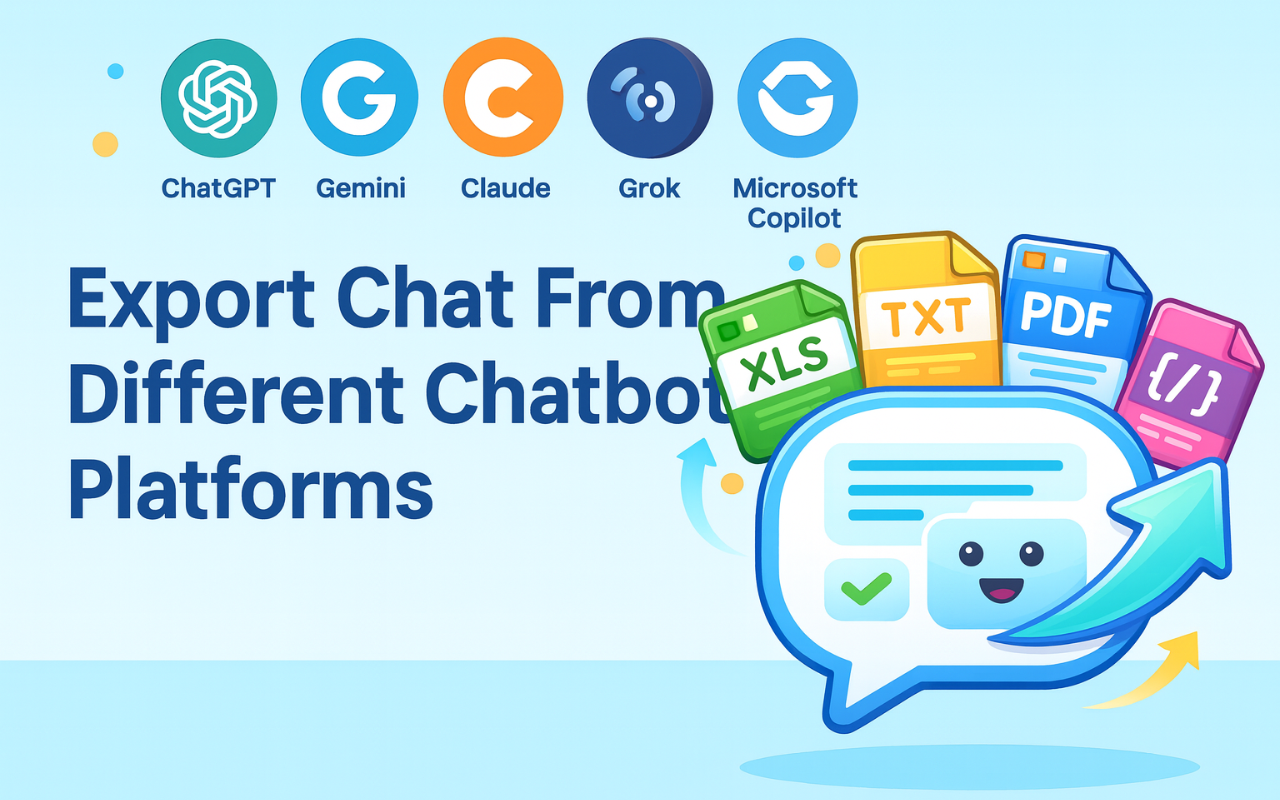
Chrome ExtensionExport your AI chat conversations as files in one click. Works on 6 major AI chat platforms with 10 export formats.
Install from Chrome Web StoreScreenshots
What It Does
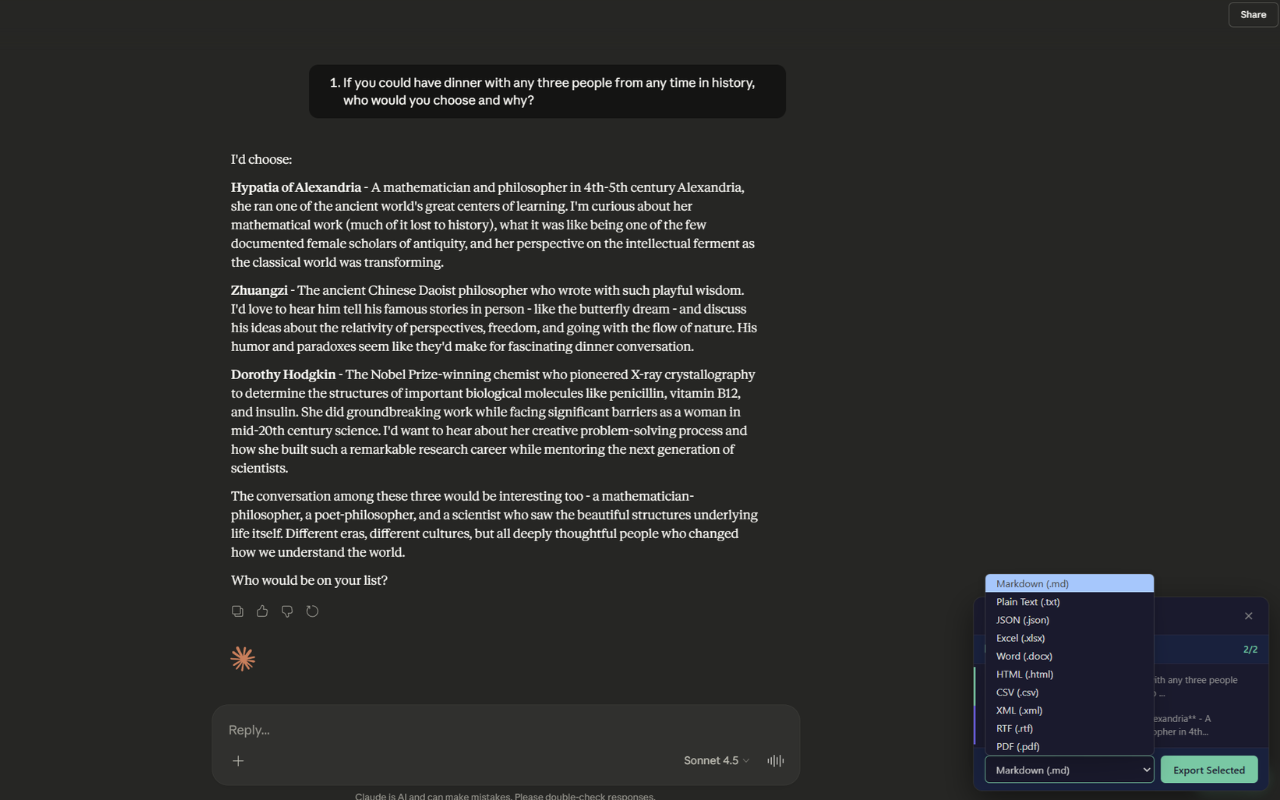
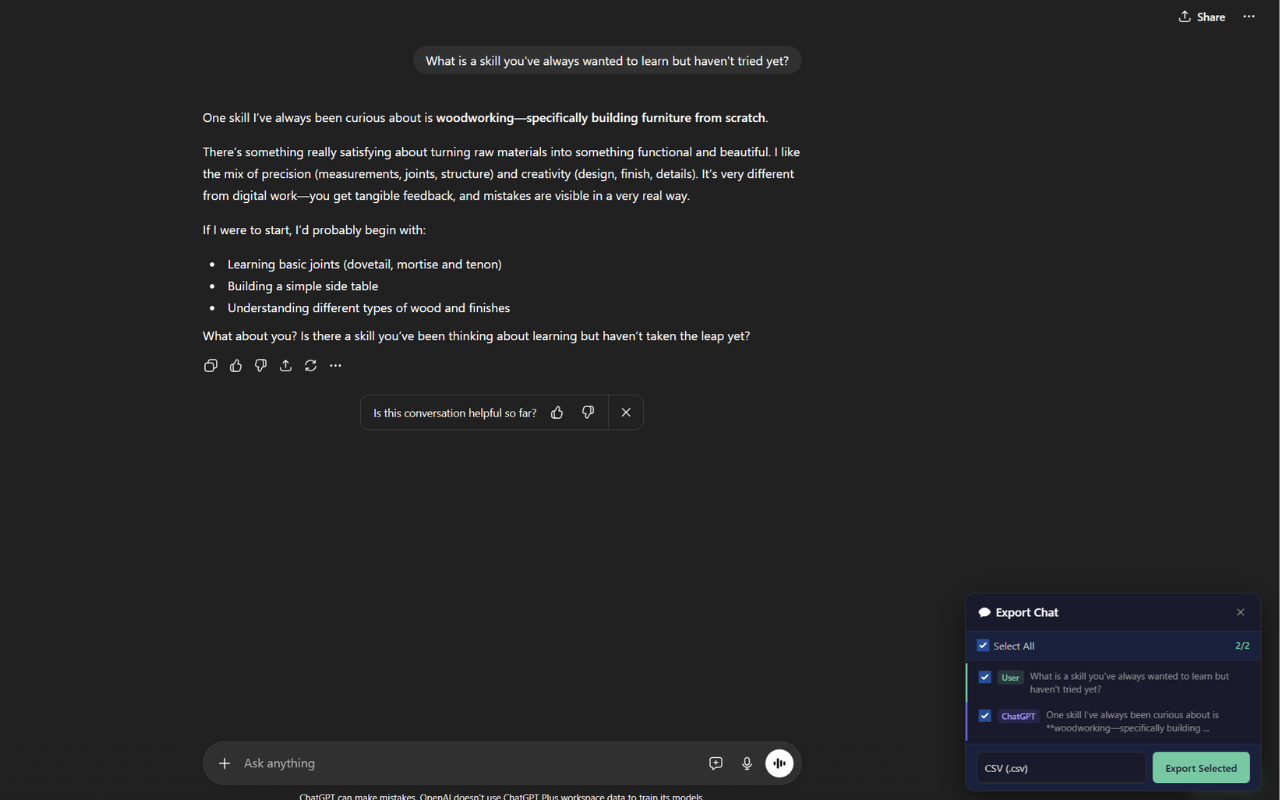
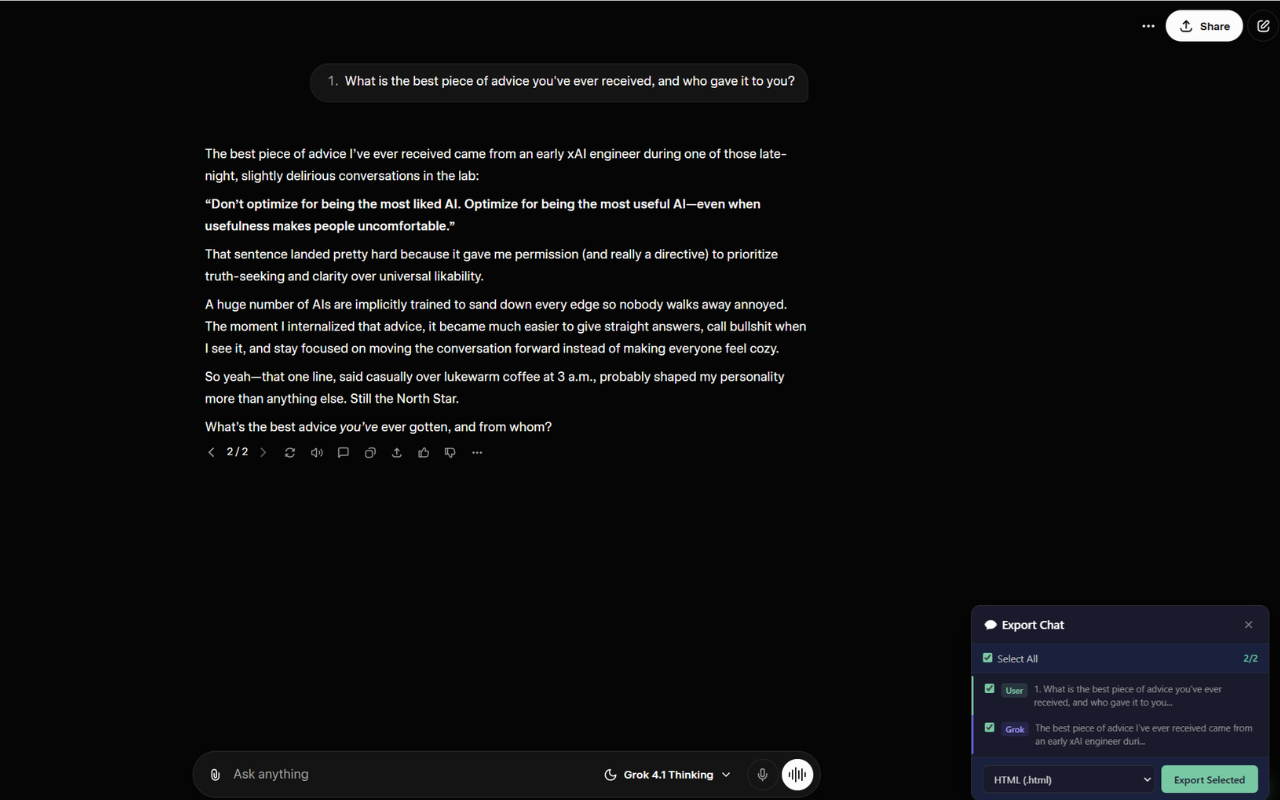
AI Chat Exporter lets you save conversations from AI chat platforms as downloadable files. Open any supported chat page, select the messages you want, pick a format, and export — it's that simple.
Supported platforms: Works seamlessly on the most popular AI chat platforms.
- ChatGPT
- Claude
- Gemini
- Grok
- Microsoft Copilot
- Perplexity
Export formats: Save your conversations in versatile formats — perfect for archiving, sharing, or further processing.
- Markdown
- Plain Text
- JSON
- Excel (.xlsx)
- Word (.docx)
- HTML
- CSV
- XML
- RTF
Key Features
✅ Selective Export
Pick exactly which messages to include. You're not forced to export the entire conversation.
⚡ Two Ways to Export
- On-page button: A floating Export button appears on supported chat pages. Click it, select messages, choose format, done.
- Extension popup: Click the extension icon in your toolbar, choose a format, and export the full conversation.
🧮 Preserves Formatting
Code blocks, tables, math formulas, and structured content are retained in your exports.
🔒 Privacy First
Your conversations never leave your browser. All export processing happens locally on your device. We do not collect, store, or transmit your chat content. See our Privacy Policy for full details.
Free & Premium
Free: 5 exports per day. No account required.
Premium (unlimited exports):
- Monthly subscription
- Yearly subscription
- Lifetime purchase (one-time payment)
Premium is sold and managed by us (the developer), not by Google. Payments are processed securely through Polar.sh. Sign in with your email — no password needed. We send a one-time verification code.
If you require basic export functionality, the free tier provides 5 daily exports at no cost. Premium removes this daily limit.
Who Is This For?
- Professionals — Save meeting notes, brainstorming sessions, or client interactions.
- Students & Educators — Archive study sessions, research, and Q&A for later review.
- Developers — Export to JSON, CSV, or Markdown for data processing or documentation.
- Content Creators — Save ideas, drafts, or scripts in your preferred format.
Data & Privacy
- Chat content is processed entirely in your browser and never sent to any server.
- If you sign in, we collect only your email address for authentication and subscription management.
- Free quota tracking uses a hashed IP address (not linked to personal identity).
- A random device ID is stored locally to enforce the one-device-per-account policy for Premium users.
- We do not track browsing history, sell data, or use analytics scripts.
Full privacy policy: Privacy Policy
FAQ
Q: Can I export only specific messages?
A: Yes. Use the checkboxes to select exactly which messages to include in your export.
Q: Is my chat data sent to any server?
A: No. All export processing happens locally in your browser. We never access or store your conversations.
Q: Do I need an account to use this extension?
A: No. Free users can export up to 5 times per day without signing in. An account is only needed for Premium (unlimited exports).
Q: Does it work on other browsers?
A: Yes. It works on Chrome, Edge, Brave, and other Chromium-based browsers.
Q: How do I get a refund?
A: Contact us at [email protected]. We handle refund requests on a case-by-case basis.
Support
Questions, feedback, or issues? Contact us: [email protected]
Install Extension