🌙 Night Mode
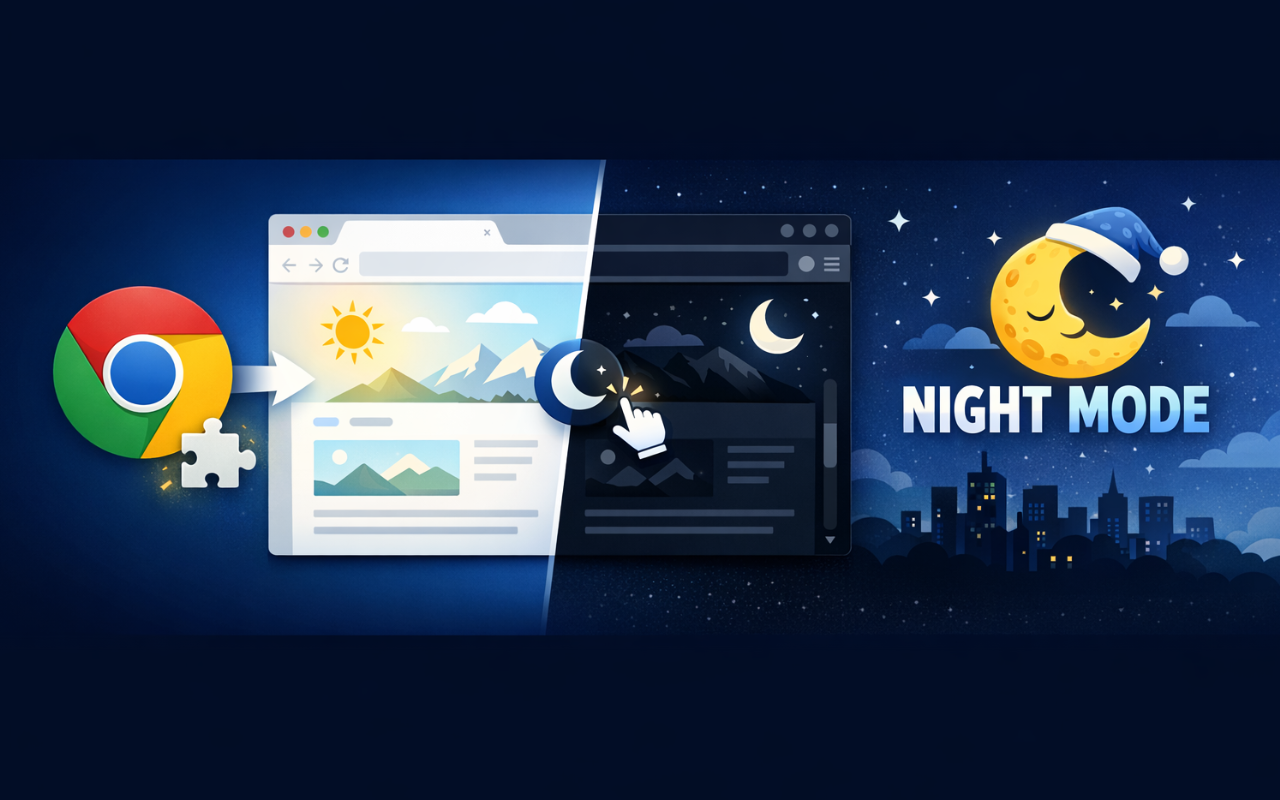
Chrome ExtensionInstantly toggle a comfortable dark mode on any website to reduce eye strain and save energy. Remembers your preference for each site.
Install from Chrome Web StoreScreenshots
What It Does
Tired of blinding white screens at night? Night Mode applies a smart, comfortable dark theme to any website — instantly.
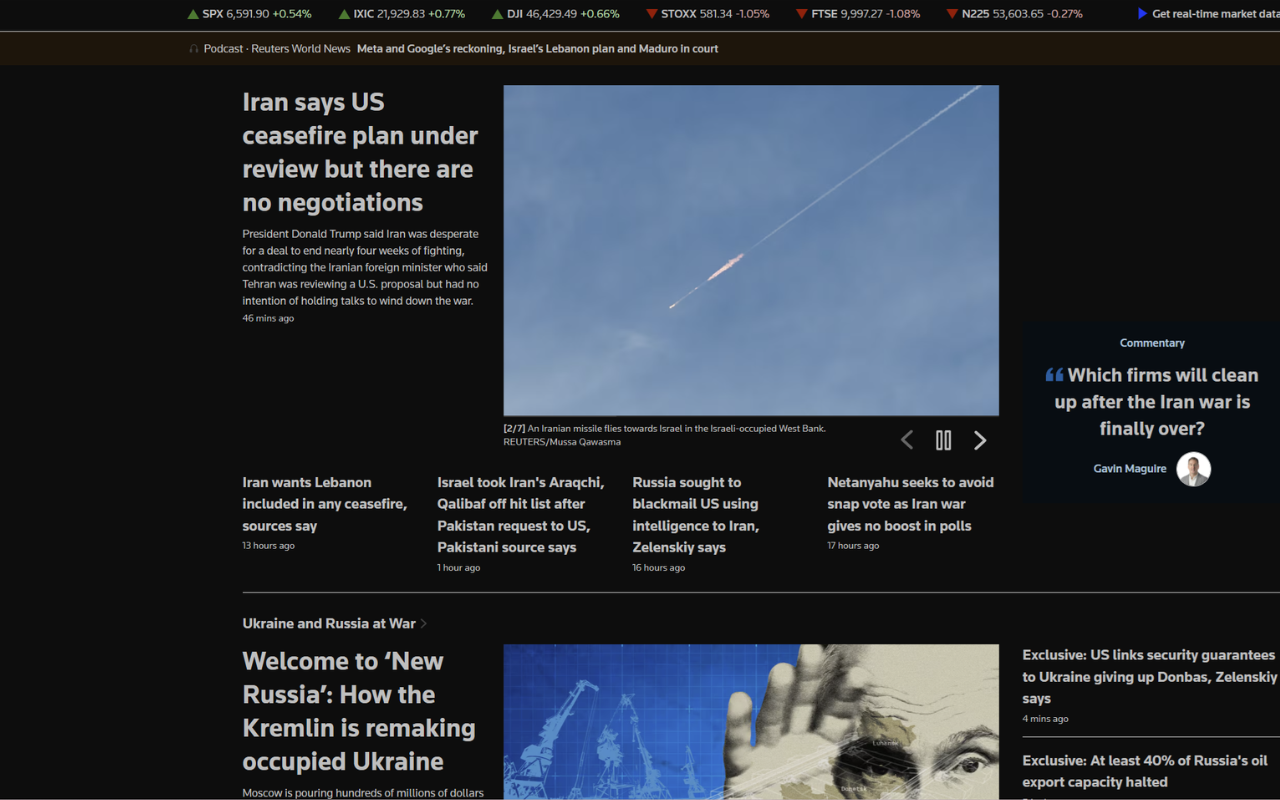
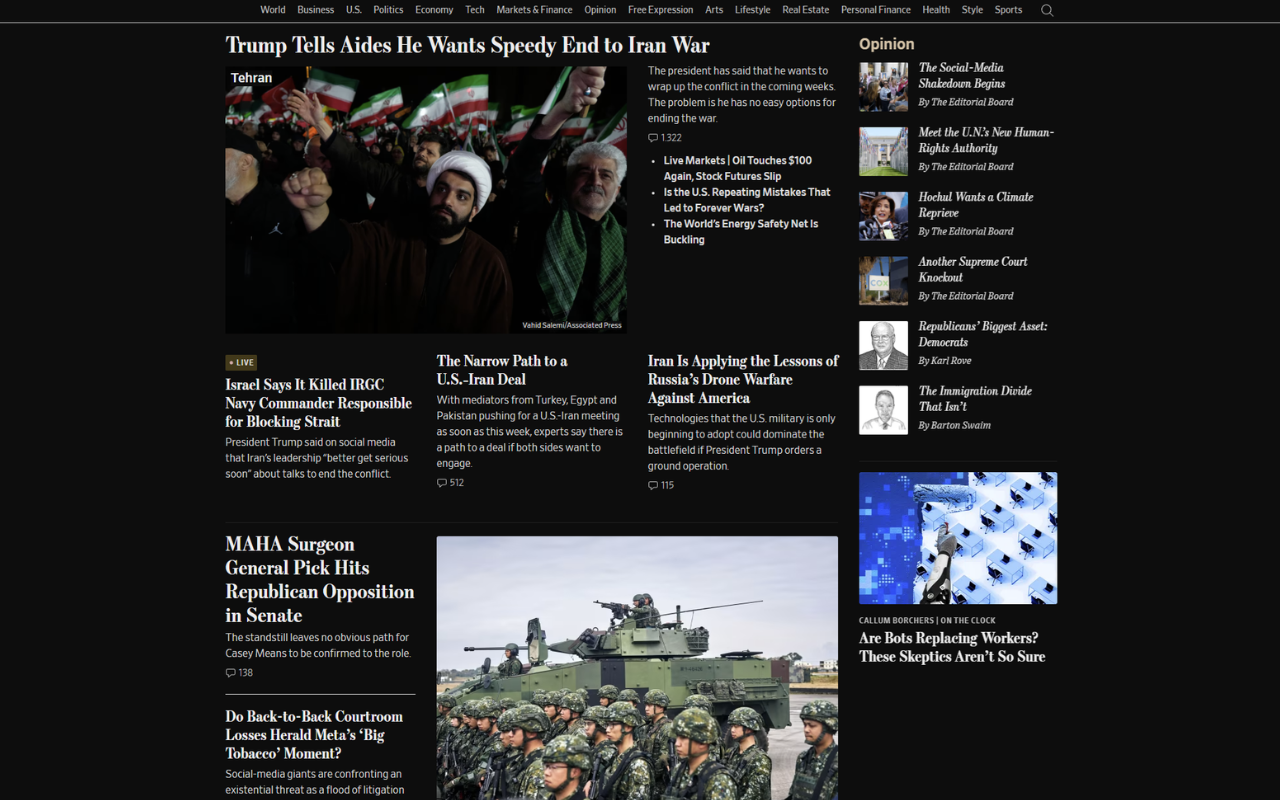
Unlike simple CSS filter extensions, Night Mode analyzes each element individually to produce accurate, natural-looking dark colors while keeping images, videos, and other media completely untouched.
Key Features
🎨 Smart Color Inversion
Analyzes every element's background and text color individually, producing a natural dark theme instead of a crude full-page filter.
🔍 Auto-Detection
Automatically skips websites that already have a dark theme, so you never get double-dark pages.
🖼️ Media Protection
Images, videos, SVGs, and canvas elements are never affected. Your visual content stays exactly as intended.
⌨️ Keyboard Shortcut
Toggle dark mode instantly with a customizable shortcut (default: Alt + N).
🚫 Exclude List
Easily manage a list of sites you want to skip. Popular sites with built-in dark modes (Facebook, YouTube, X/Twitter, GitHub) are excluded by default.
⚡ Performance Optimized
Processes the page in small chunks to keep browsing smooth and responsive, even on heavy pages. Dynamically loaded content is handled in real time.
🔒 Private & Free
No data is collected. No analytics. No tracking. Everything stays on your device. See our Privacy Policy for full details.
How to Use
- Click the 🌙 Night Mode icon in your toolbar or press Alt + N.
- The extension intelligently converts light backgrounds to dark and dark text to light.
- Gradients are replaced with a clean flat dark color.
- Toggle off anytime — all original styles are restored perfectly.
- Open the popup to manage your exclude list — add or remove domains easily.
Perfect For
- Late-night browsing
- Reducing eye strain during long reading sessions
- OLED screens (save battery with true dark pixels)
- Anyone who prefers a dark interface
FAQ
Q: Does it affect images and videos?
A: No. Images, videos, SVGs, canvas, and elements with background images are never modified.
Q: What if a site already has dark mode?
A: Night Mode auto-detects dark themes and skips them. You can also manually add sites to the exclude list.
Q: Does it work on other browsers?
A: Yes. It works on Chrome, Edge, Brave, and other Chromium-based browsers (version 88+).
Q: Can I customize the keyboard shortcut?
A: Yes. Open the popup and click the "change" link to customize your shortcut.
Q: Does it slow down my browser?
A: No. Night Mode processes the DOM in chunks of 200 elements per frame to avoid blocking the UI.
Support
Questions, feedback, or issues? Contact us: [email protected]
Install Extension