🌐 BlinkTranslate
Chrome ExtensionTranslate entire web pages or selected text instantly — right where you are. No redirects, no new tabs, completely free.
Install from Chrome Web StoreScreenshots
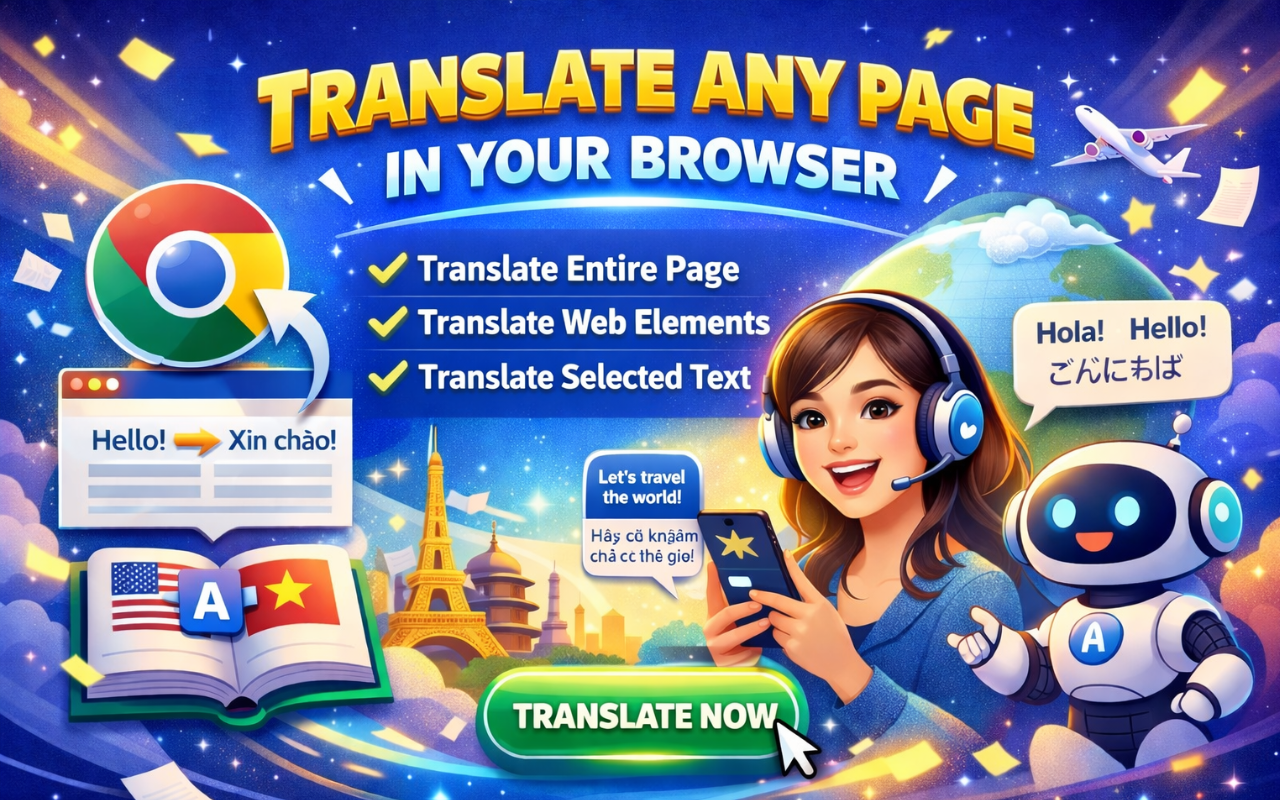



What It Does
Reading an article in a language you don't understand? One click and BlinkTranslate will translate the entire page right where you are. No redirects, no new tabs — everything stays on the same page.
If you only need to understand a small part, just highlight the text and the translation pops up right next to it. Or turn on Click to Translate mode and tap any element on the page to see its translation instantly.
There's also a built-in text translator for quick translations without leaving your browser — handy when you just need to look up a sentence or a paragraph.
Key Features
🌍 Full Page Translation
Translate an entire web page in one click. The translated text replaces the original right on the page — no redirects, no new tabs.
✨ Highlight to Translate
Select any text on a page and the translation pops up right next to it. Quick and non-intrusive.
👆 Click to Translate
Turn on Click to Translate mode and tap any element on the page to see its translation instantly.
📝 Built-in Text Translator
A handy text translator built right into the extension for quick lookups — no need to leave your browser.
⚙️ Customizable
Customize the font and text size on translated pages, set your own keyboard shortcuts, or turn on auto-translate so every new page you open gets translated automatically.
🔄 Sync Across Devices
All your settings sync across devices through your Chrome account.
🔒 Free & Private
Completely free, no API key, no sign-up. Just install and go. See our Privacy Policy for full details.
FAQ
Q: Is BlinkTranslate really free?
A: Yes. It's completely free with no hidden costs, no API key required, and no sign-up needed.
Q: Does it work on other browsers?
A: Yes. It works on Chrome, Edge, Brave, and other Chromium-based browsers.
Q: Do my settings sync across devices?
A: Yes. All your settings sync automatically through your Chrome account.
Q: Can I auto-translate every page I visit?
A: Yes. Turn on auto-translate in settings and every new page you open will be translated automatically.
Support
Questions, feedback, or issues? Contact us: [email protected]
Install Extension